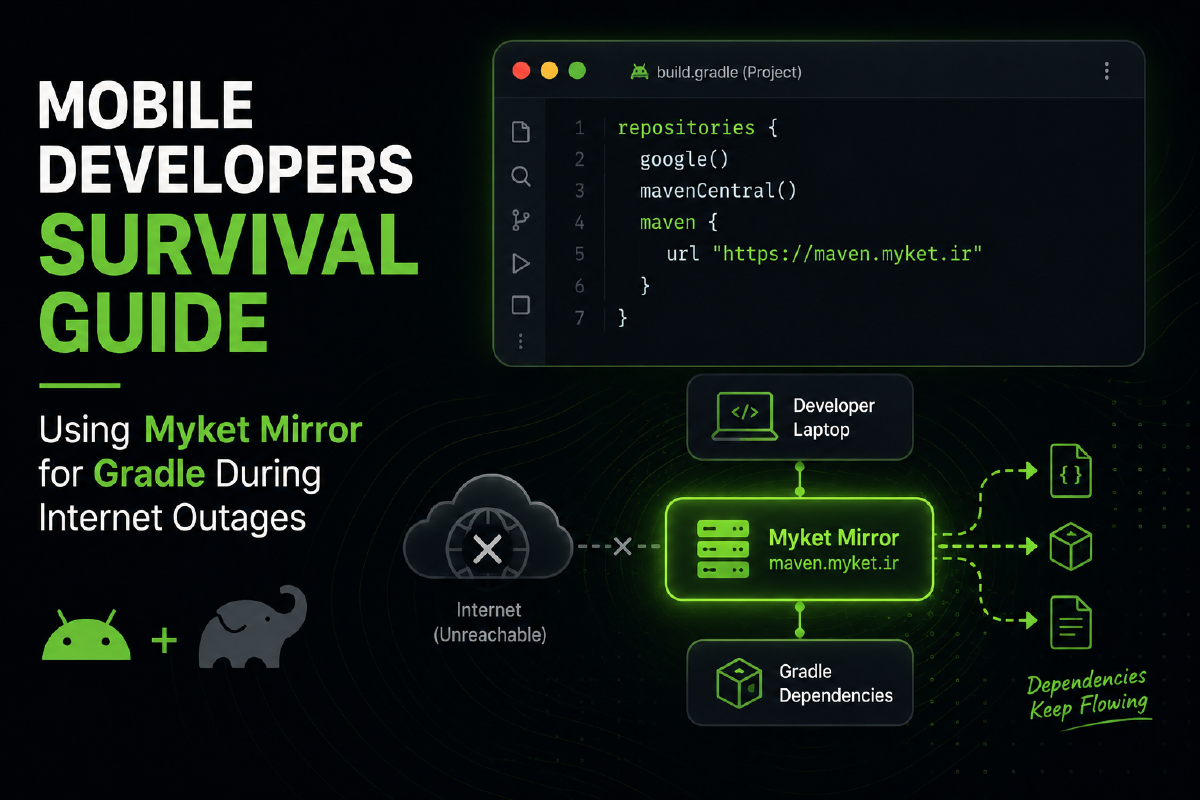

A Survival Guide for Flutter, Kotlin, and Android Developers#
During times when internet access in Iran is cut off or severely disrupted due to specific conditions like war or internal restrictions, one of the biggest problems for mobile developers is losing access to Gradle packages and libraries. This issue can completely bring the development process to a halt.
This post is the result of my own experiences during the periods when the internet in Iran was disconnected. I want to share this solution so others can use it during these tough situations. Think of this as a “Survival Guide” for Flutter, Android, and Kotlin developers.
Below, we will learn how to use the Myket Mirror to bypass this problem.
Solution 1: Setting up the mirror for a specific project#
If you want to manually use the Myket repository for a specific project of your choice, the official solution provided by Myket can be found here.
To do this, simply open your project’s build.gradle or settings.gradle file and add the Myket URL to the repositories block:
1repositories {
2    maven { url "[https://maven.myket.ir](https://maven.myket.ir)" }
3    google()
4    mavenCentral()
5}
This method works fine, but if you frequently create new projects, manually configuring this for every single project is quite exhausting. So, let’s move on to the second solution.
Solution 2: Global configuration for all projects#
This is the golden method! With this approach, for every Flutter/Kotlin/Android project you create, you can use these repositories without needing to make any changes inside the project itself.
The solution involves creating or editing the init.gradle.kts file and placing the corresponding code inside it.
File path in different operating systems#
- Linux & macOS:
~/.gradle/init.gradle.kts(In your HOME directory) - Windows:
C:\Users\YourUsername\.gradle\init.gradle.kts(ReplaceYourUsernamewith your actual system username)
The init.gradle.kts code#
Copy the code below and paste it into this file:
 1import org.gradle.api.artifacts.repositories.MavenArtifactRepository
 2import org.gradle.api.artifacts.dsl.RepositoryHandler
 3
 4fun RepositoryHandler.enableMirror() {
 5    all {
 6        if (this is MavenArtifactRepository) {
 7            val originalUrl = this.url.toString().removeSuffix("/")
 8            urlMappings[originalUrl]?.let { mirrorUrl ->
 9                println("Repository[$originalUrl] is mirrored to $mirrorUrl")
10                setUrl(mirrorUrl)
11            }
12        }
13    }
14}
15
16val urlMappings = mapOf(
17    "[https://repo.maven.apache.org/maven2](https://repo.maven.apache.org/maven2)" to "[https://maven.myket.ir](https://maven.myket.ir)",
18    "[https://dl.google.com/dl/android/maven2](https://dl.google.com/dl/android/maven2)" to "[https://maven.myket.ir](https://maven.myket.ir)",
19    "[https://plugins.gradle.org/m2](https://plugins.gradle.org/m2)" to "[https://maven.myket.ir/](https://maven.myket.ir/)"
20)
21
22gradle.allprojects {
23    buildscript {
24        repositories.enableMirror()
25    }
26    repositories.enableMirror()
27}
28
29gradle.settingsEvaluated {
30    pluginManagement.repositories.enableMirror()
31    dependencyResolutionManagement.repositories.enableMirror()
32}
With this configuration, any request Gradle makes to download libraries from blocked servers will be automatically redirected to the Myket mirror.
I hope this post helps you keep your projects running smoothly during the tough days of internet outages.