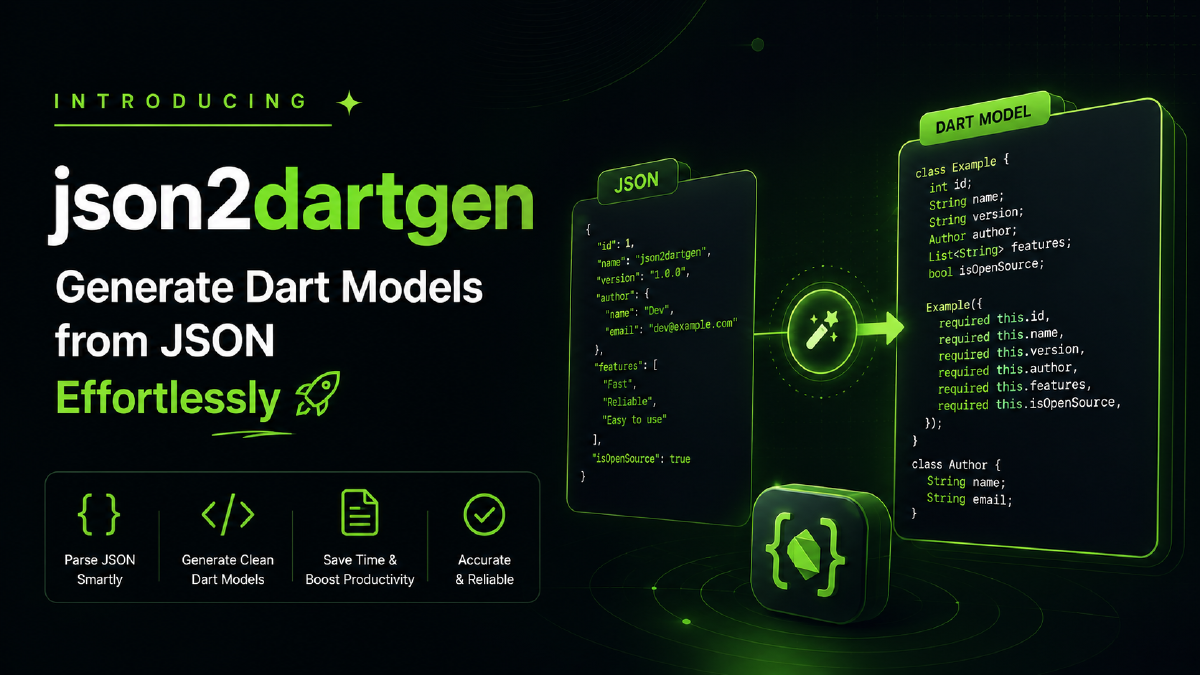

I’m excited to announce the release of json2dartgen — a brand new CLI tool to make working with JSON in Dart and Flutter projects much easier.
Why json2dartgen?#
If you’ve ever worked with APIs in Flutter, you know the pain: you get a massive JSON response, and now you need Dart models with fromJson, toJson, and maybe a copyWith method too. Tools like quicktype.io are great, but they often struggle with very large JSONs or don’t quite integrate with your code style.
That’s why I built json2dartgen:
- Works directly from the command line
- Handles large JSON files with ease
- Fully supports
json_serializable - Generates clean, idiomatic Dart code
Features#
- ✅
fromJson/toJsonusingjson_serializable - ✅ Automatic
copyWithgeneration - ✅ Optional snake_case → camelCase conversion
- ✅ Output models as a single file or multiple files
- ✅ Configurable via CLI flags
- ✅ Lightweight, fast, and built for Dart devs
Installation#
Install globally via Dart:
dart pub global activate json2dartgenUsage#
json2dartgen <input.json> [options]Options#
| Flag | Description |
|---|---|
-c, --camel-case | Convert snake_case JSON keys to camelCase field names |
-o, --output-dir | Output directory for .dart files (default: current directory) |
-h, --help | Show usage instructions |
Example#
Input JSON:
{
  "building_id": 1130,
  "floor_count": 5,
  "location_name": "North Wing"
}
Generated Dart model:
import 'package:json_annotation/json_annotation.dart';

part 'root.g.dart';

@JsonSerializable()
class Root {
  @JsonKey(name: 'building_id')
  final int buildingId;

  @JsonKey(name: 'floor_count')
  final int floorCount;

  @JsonKey(name: 'location_name')
  final String locationName;

  const Root({
    required this.buildingId,
    required this.floorCount,
    required this.locationName,
  });

  Root copyWith({
    int? buildingId,
    int? floorCount,
    String? locationName,
  }) {
    return Root(
      buildingId: buildingId ?? this.buildingId,
      floorCount: floorCount ?? this.floorCount,
      locationName: locationName ?? this.locationName,
    );
  }

  factory Root.fromJson(Map<String, dynamic> json) => _$RootFromJson(json);
  Map<String, dynamic> toJson() => _$RootToJson(this);
}
Try It Out#
You can get started right now:
dart pub global activate json2dartgen
json2dartgen your_api_response.json --camel-case --output-dir lib/models
What’s Next?#
This is just the beginning 🚀. Future updates will include:
- More configuration options
- Better error messages
- Improved type inference
- Flutter-specific utilities
If you try it out, I’d love to hear your feedback and feature requests.
👉 Check it out here: json2dartgen on pub.dev
Happy coding! 💙