
Introduction#
In our journey so far, we’ve dealt mostly with plain text files. Bandit Level 9 to 10 introduces a new type of challenge: extracting information from a binary file. These files are compiled for machines, not humans, and reading them with cat results in a mess of unreadable characters.
This level teaches us how to use the strings command, a specialized tool for finding and printing the sequences of readable text embedded within binary data. 🧐
The Challenge: Level 9 Goal#
The objective for this level is stated as:
The password for the next level is stored in the file data.txt and is one of the only human-readable strings, preceded by several ‘=’ characters.
We have a binary file, data.txt, and a clear hint: look for a line starting with equal signs.
Step-by-Step Walkthrough#
Let’s pull that readable password out of the binary mess.
Step 1: Log into bandit9#
Use the unique password you discovered in the last level to SSH into bandit9.
ssh bandit9@bandit.labs.overthewire.org -p 2220Step 2: Investigate data.txt#
First, confirm the file exists with ls. Then, to understand why we can’t use cat, try it and see the garbled output.
ls
# data.txt
cat data.txt
# ^?ELF^B^A^A^@^@^@^@^@^@^@^@^@^C^@>^@^A^@^@^@p... (and so on)
This is clearly not a plain text file.
Step 3: The Solution - The strings Command#
The strings command is designed specifically for this situation. It scans any file (binary or not) and prints out sequences of printable characters it finds.
Let’s run it on our file.
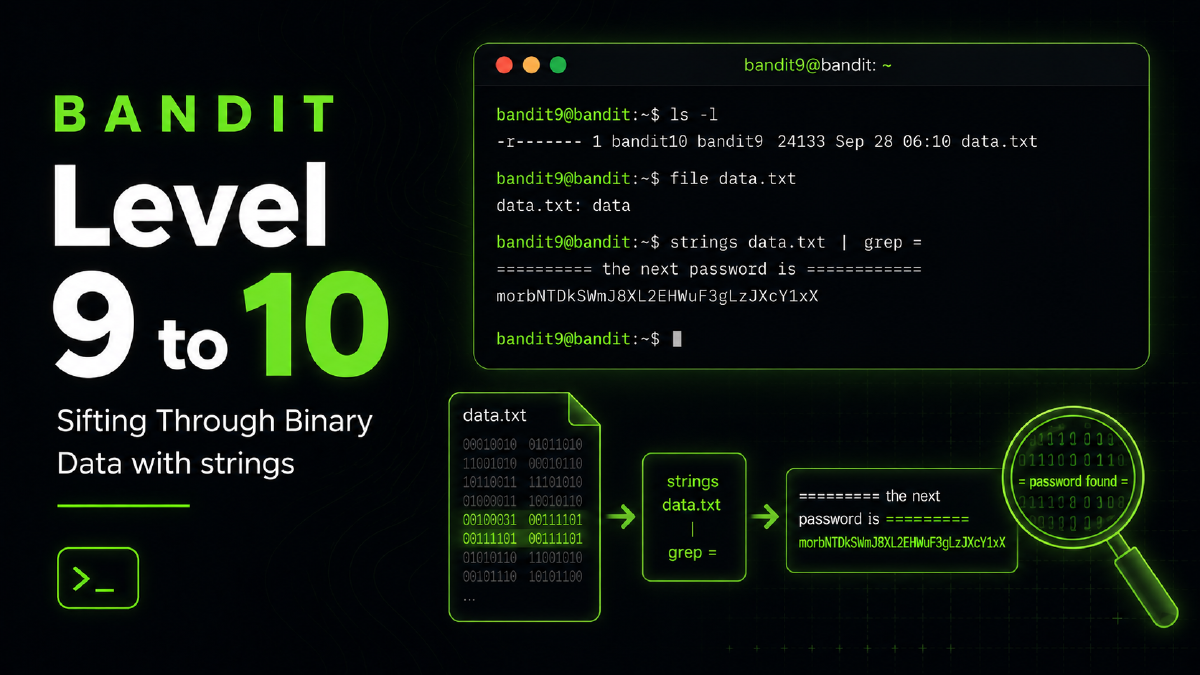
strings data.txtThis will produce a lot of output, but it’s all readable text! The password is in this list somewhere. Manually scrolling through it is possible, but not efficient.
/lib64/ld-linux-x86-64.so.2
libc.so.6
__libc_start_main
GLIBC_2.2.5
...
========== the password is ...
...
and lots of other text
Step 4: Refining the Search with grep#
We have a clue: the password is on a line preceded by several = characters. This is a perfect job for a grep pipeline! We can send the output of strings directly to grep and filter for our pattern.
Let’s search for lines containing ====.
strings data.txt | grep "===="This command elegantly filters all the junk and gives us the exact line we need.
========== the
========== password
E========== is
5========== FGUW5ilLVJrxX9kMYMmlN4MgbpfMiqey
The password for bandit10 is the string of text on that line.
–
Key Concepts Learned#
- Binary Files: We learned that many files on a Linux system are not plain text and require special tools to inspect.
stringsCommand: This is the key takeaway.stringsis an essential utility for initial analysis of an unknown binary file in forensics and reverse engineering to find embedded text like configuration details, error messages, or hidden passwords.- Refining Pipelines: This level reinforces the power of chaining commands. The
strings | grepcombination is a very common and effective pattern for finding specific information inside binary files.
Conclusion#
You’ve successfully peered into a binary file and extracted the secret hidden within. This skill is a stepping stone into more advanced topics like reverse engineering.
Copy the password you found and get ready to tackle the next level!