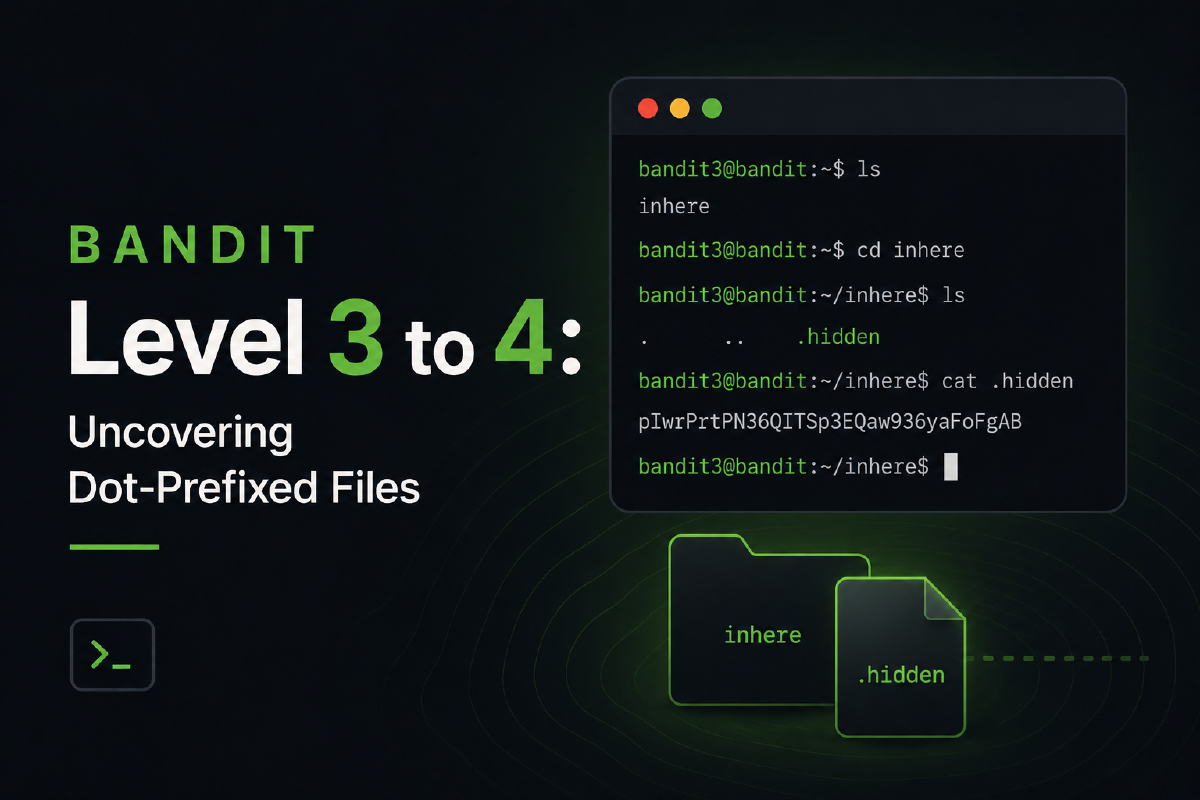

Introduction#
After navigating tricky filenames, Bandit Level 3 to 4 introduces us to a core concept of Linux/Unix-like operating systems: hidden files. These files, often used for configuration, don’t show up in normal directory listings simply because their names begin with a dot.
This level will teach you how to look past the obvious and uncover the secrets hidden within a directory.
The Challenge: Level 3 Goal#
The official goal on the OverTheWire website states:
The password for the next level is stored in a hidden file in the inhere directory.
The clues are clear: we need to find a directory named inhere and then find a hidden file inside it. In this case, the file is named ...Hiding-From-You.
Step-by-Step Walkthrough#
Let’s find that hidden password.
Step 1: Log into bandit3#
Use the password you acquired from the previous level to SSH into the bandit3 user.
ssh bandit3@bandit.labs.overthewire.org -p 2220Step 2: Find the inhere Directory#
Once logged in, list the contents of the home directory to locate the inhere directory.
lsYou should see the inhere directory listed.
inhereStep 3: Change Into the Directory#
Now, navigate into the inhere directory using the cd (change directory) command.
cd inhereStep 4: The Mystery of the Empty Directory#
If you try listing the files with the standard ls command, it will look like the directory is empty.
lsThe command returns nothing. This is the core of the challenge. The file is hidden because its name starts with a . character.
Step 5: Reveal the Hidden File#
In Linux, any file or directory that starts with a dot is considered hidden. To see these files, you must use the -a (all) flag with the ls command.
ls -aThe output will now show the hidden file, which normal ls did not.
. .. ...Hiding-From-YouWe can see the file we’re looking for: ...Hiding-From-You. The . and .. entries represent the current and parent directories, respectively.
Step 6: Read the Password#
Now that we know the filename, we can use the cat command to read its contents and get the password for the next level.
cat ...Hiding-From-YouThe command will print the password for bandit4 to your terminal.
# yours might be different
2WmrDFRmJIq3IPxneAaMGhap0pFhF3NJ
Key Concepts Learned#
- Hidden Files (Dotfiles): Files and directories starting with a
.are hidden from standardlslistings. This is a convention, not a security feature. - The
ls -aCommand: The-aor--allflag for thelscommand is essential for viewing all entries in a directory, including hidden ones. - Directory Navigation: The
cdcommand is a fundamental tool for moving through the filesystem.
Conclusion#
Congratulations! You’ve successfully uncovered a hidden file and captured the password for bandit4. This skill is crucial, as you’ll often need to inspect or modify hidden configuration files when working with Linux systems.
Proceed to the next level with your newfound knowledge!